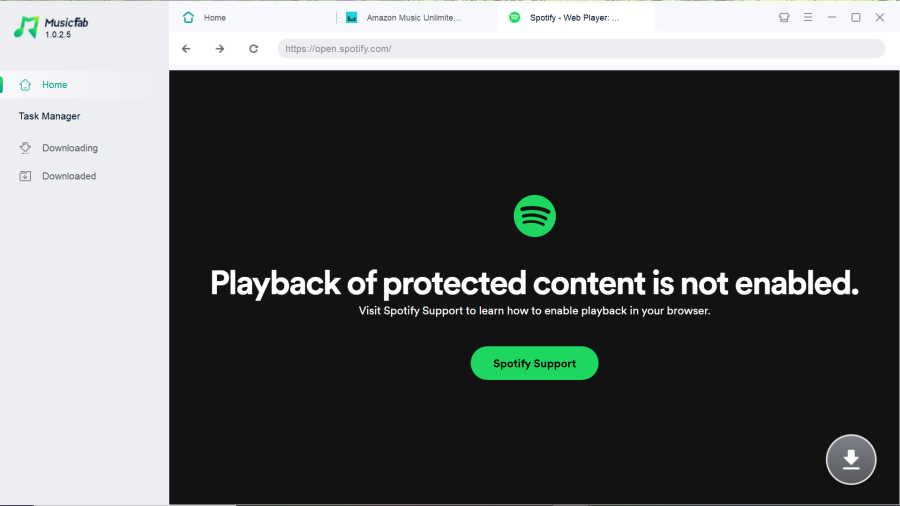
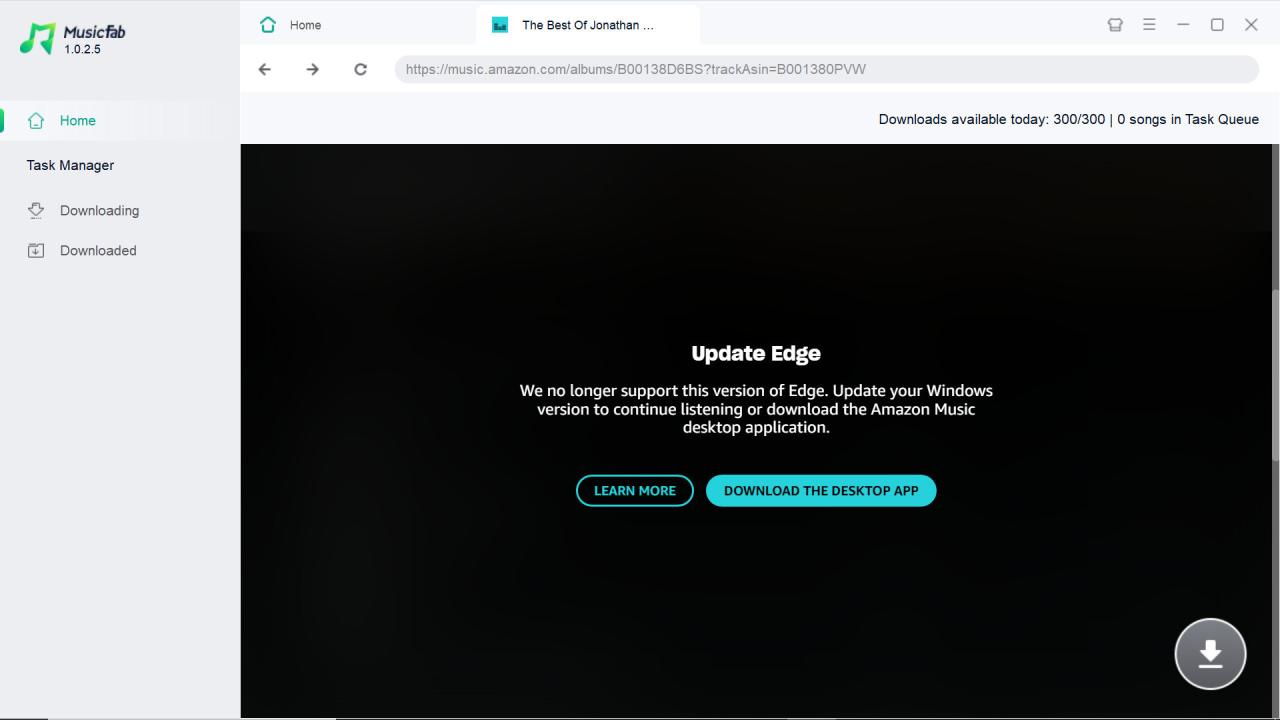
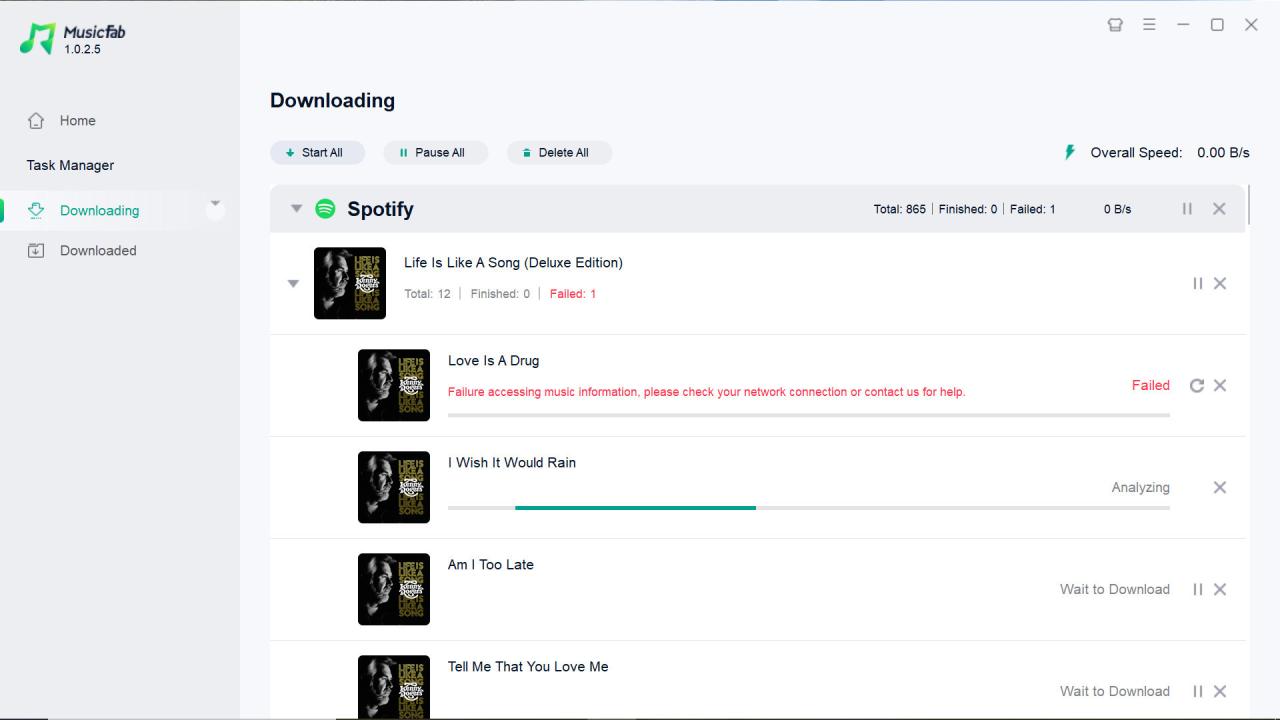
I updated to 1.0.2.2 yesterday. The issue with multiple disc albums being thrown into a single directory still has not been resolved. It looks like the Crash issue has returned. MusicFab crashed three times yesterday in the span of two and a half hours. So far this morning it's been pretty stable, but there is nothing in the que. Since the track selection window not showing up is intermittent, I'll have to wait a while to see if it rears it's ugly head. No change was made to the download directory structure. It's still \Album\Tracks.
Another issue I have forgotten to report about, is that I cant seem to downsize the MusicFab Window. It's either up full screen, or minimized. Nothing in between. This issue surfaced when I wanted to fill in albums that I don't own from an artist who's albums I have purchased in the past on CD. Over the years, I have have accumulated a more than extensive collection of those things. Strangely enough, Even though I have a program like MusicFab, I continue to purchase them is spite of their going the way of the dinosaur. 1. To help support Artists I really like and 2. There is something about owning a hard copy of treasured albums that gives me a sense of security. Sadly, there are some artists whom I have supported that only publish digitally. I personally am not a fan of letting digital Music purveyors track my every purchase, or of receiving unwanted and unsolicited "recommendations" every time I return or shoved down my throat through unsolicited E-mails or Alerts (Most REQUIRE that you disclose your E-mail address to do business with them.). I could go on, but I digress. I have (Thankfully) digitized the discs against theft, loss or destruction. While populating the download que, I wanted to view the albums that I already own, in a separate window so I didn't get duplicates. There was no way to view both windows side by side to make easy selections.
@Sylvia, Is there a change log posted that I can view for the revision I install? It's not a big deal, I'm just curious.