I have the VIP Premium subscription and can access all content on iQiyi.
It seems you are trying to use yt-dlp. I am trying to use StreamFab to download the video files, as I always did before.
Here’s the repro steps, which I already sent to the customer service.
Using StreamFab, open iQiyi’s home page.
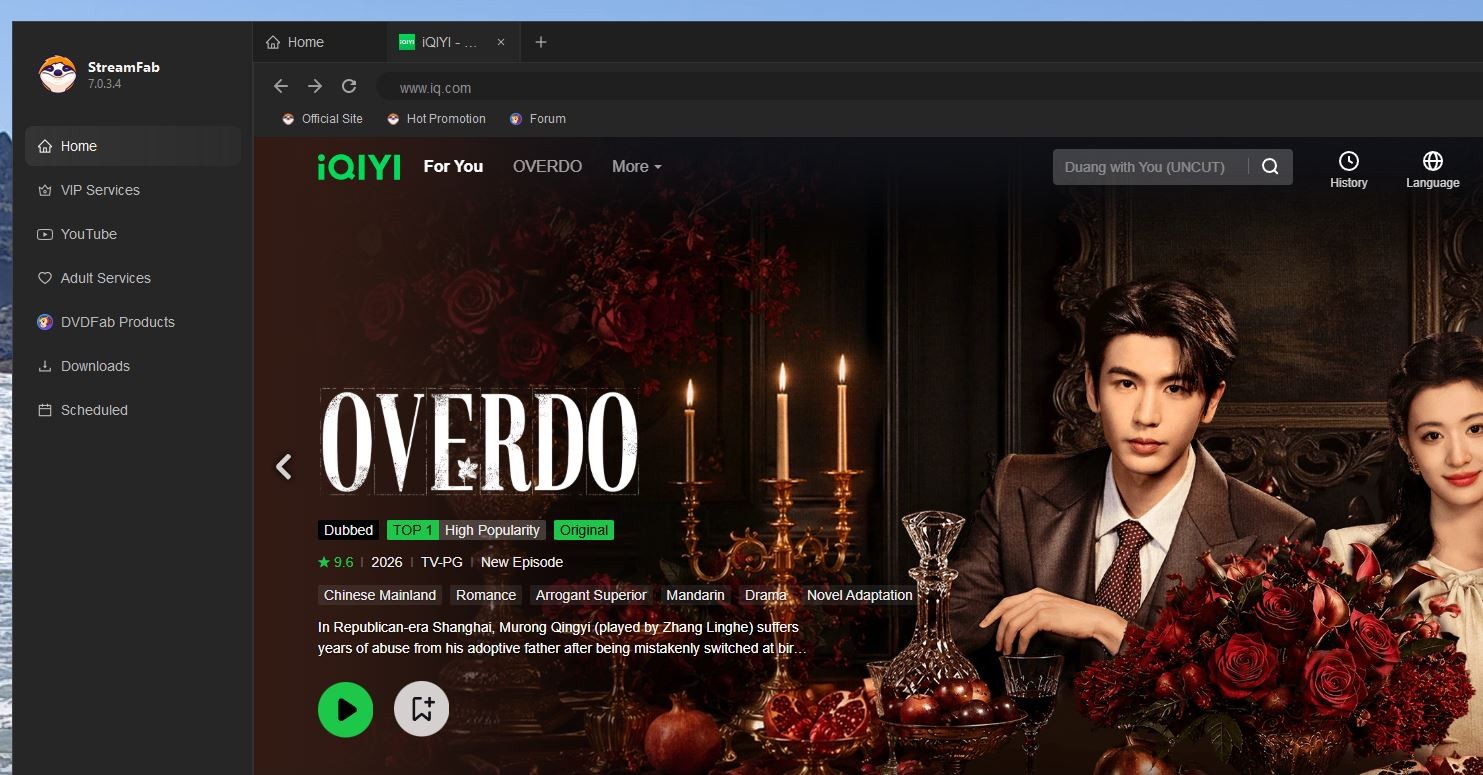
Next, choose a series and click on it. Before, StreamFab simply opened that series and I could choose the episode and download it. Now StreamFab opens a new tab (note the screenshot showing the newly opened tab). I can play the video in up to 4K but leave it on 1080p because it seems to be StreamFab’s limit.
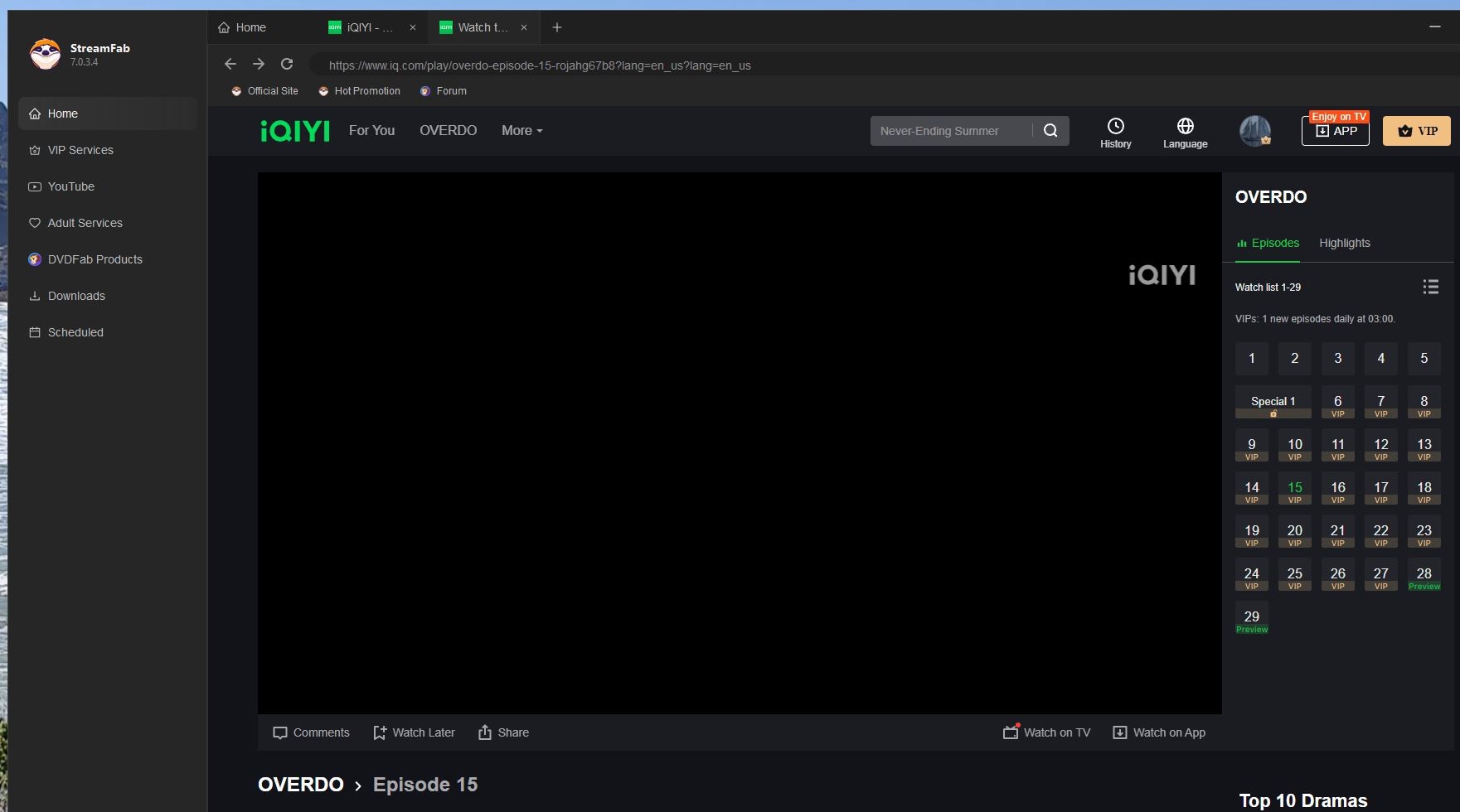
When I click on the lower right button to download that episode, StreamFab does its thing and shows the pop-up window.
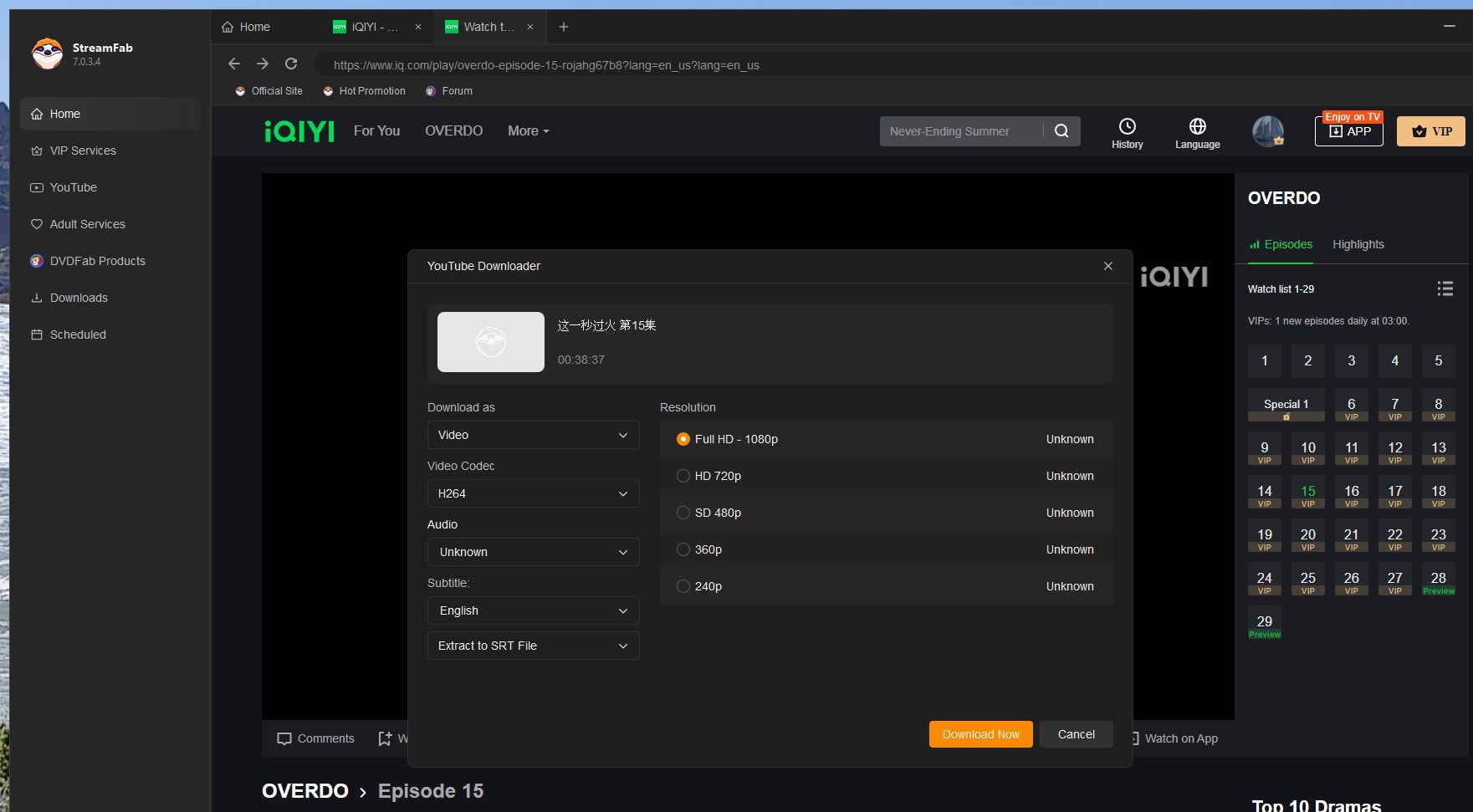
When I click on the “Download Now” button on that pop-up window, StreamFab should download the video file. However, since the latest updates, it does nothing. It’s broken and StreamFab simply ignores it. It has been broken for several updates. This has nothing to do with yt-dlp, which is correctly processing the video file. It’s StreamFab that is broken. Customer service and the dev crew simply ignore it.
Makes sense?
Cheers!