MKV files are not showing the proper cover images within Windows and other media player programs.
This is what shows in Windows on a specific TV episode:

This isn’t an actual image attachment. This is Windows just displaying a set image it uses that it creates from the MKV file itself because it cannot find a valid image.
This is what should be shown:
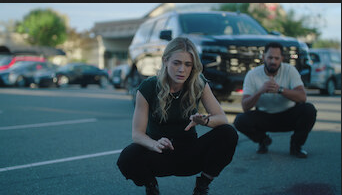
When the download selection window pops up, the image is correct.
When the file is downloading, the image is correct.
The images in Metapicture are correct.
When you load the mkv into mkvtoolnix, the image description is the full pathname to your metapicture directory in front of the cover.png, so the proper image is there, just not named correctly.
I have format set to MKV and post processor set to FFMpeg.
I did not try MKVToolnix but suspect it will produce the same results.