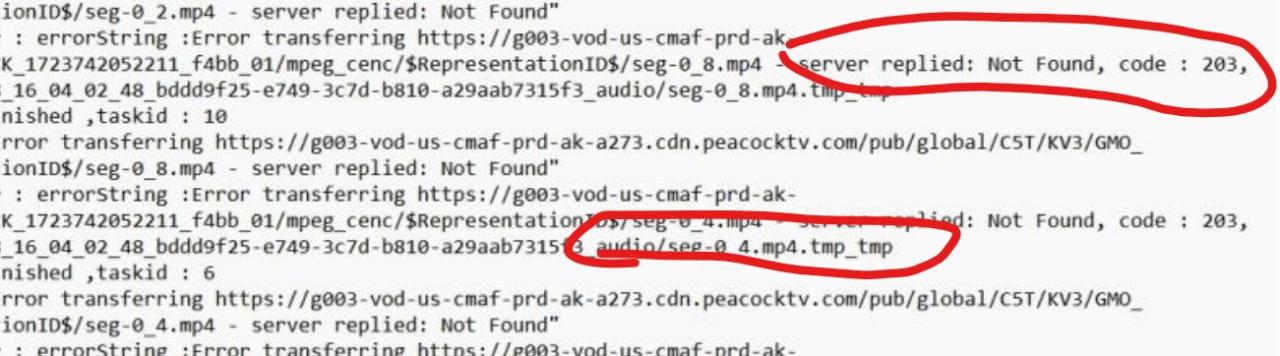
No issues beyond download is kind of slow (7-8 KB/s, I have 1gbps internet, other services give me much higher download rates)
I'm in USA (east coast), no vpn, no proxy, etc. Just plain comcast internet and their DNS.
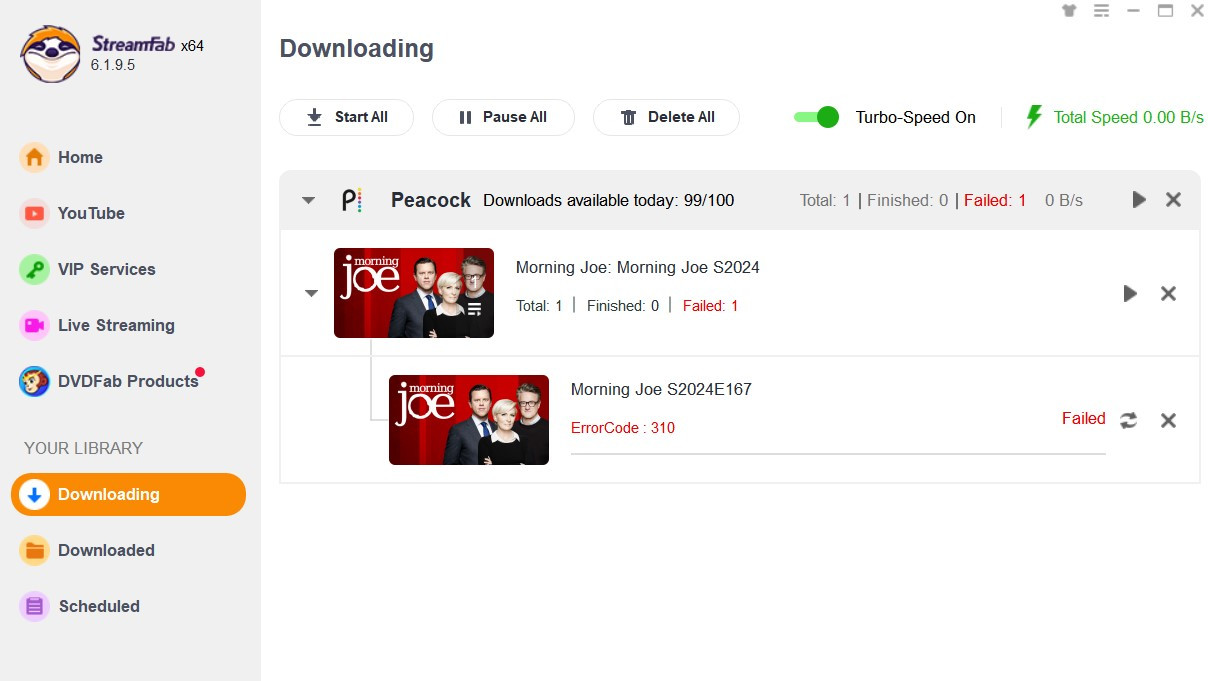
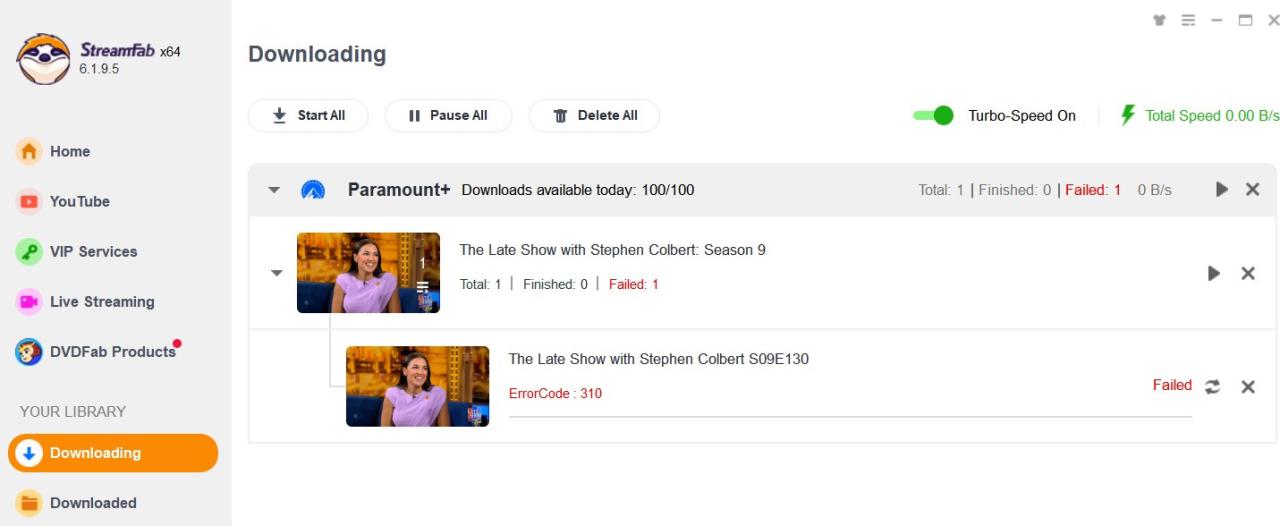
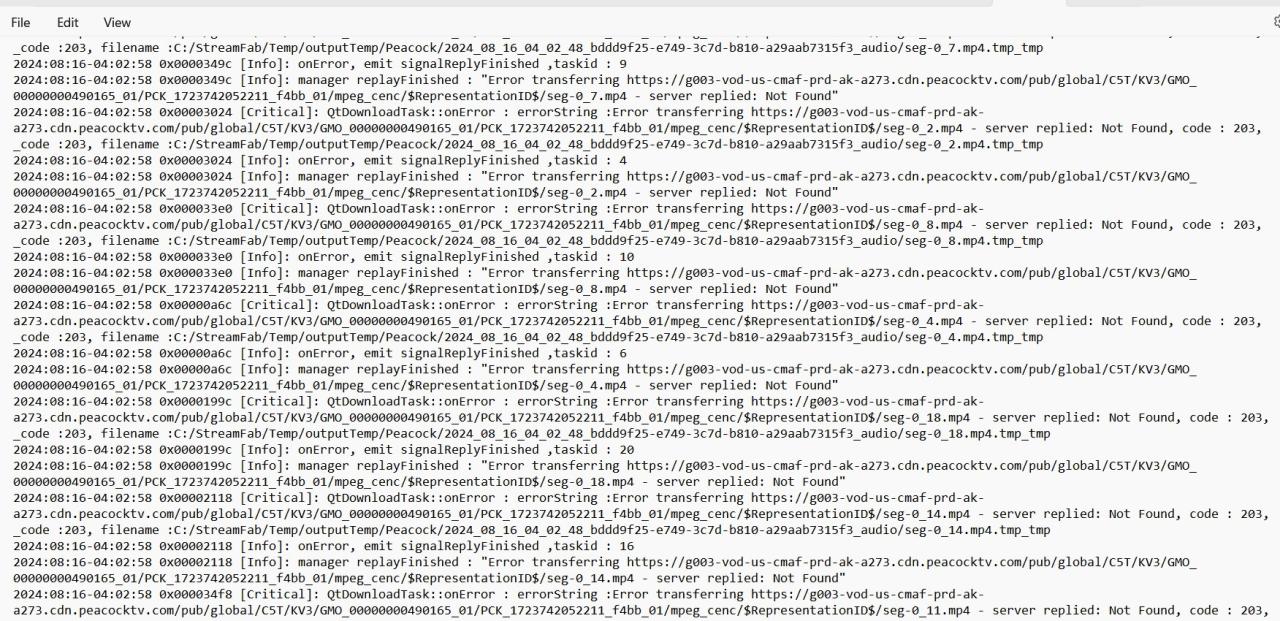
I, too, am in the USA (east coast, eastern Pennsylvania to be exact) and use Comcast/Xfinity 800mb/s Internet. The difference being that without a VPN, I would never connect to download a Peacock video. I would get a few kb/s displayed, but it would remain at 0% and 0 segments downloaded. If I walk away from it for a while, it will eventually display a red "Failed".
I have previously used Cloudflare DNS as a primary and a Quad9 DNS as my secondary. These were set on my router, and my computer uses the router as the DNS.
About 2 weeks into this problem, I decided to change out my DNS as an experiment. I went with the Boston Comcast/Xfinity DNS as my primary (since I had great luck VPNing into Boston) and Control-D as my secondary. Control-D is the DNS side of WindScribe, my VPN company. It did not fix the problem.
Since you had good results with your standard Comcast/Xfinity DNS, I am about to try something I don't want to do, and that is using the DHCP assigned Comcast/Xfinity DNS. I really do not want to provide Comcast with additional information, although I've already done that with the Boston DNS. I'll let you know how it goes.
The other idea I was thinking of trying was to make Control-D my primary and use the DNS address that specifically blocks ads, tracking, malware and social networks. Then I would be able to remove the uBlock Origin Lite extension from my browsers and I would still have blocking even covering the StreamFab CEF browser. I'm pretty sure it probably won't fix the Peacock problem, but it should be done anyway because of the change to MV3 by Google. uBlock Origin Lite is not as effective as the MV2 non-Lite version. Blocking by DNS should work better.